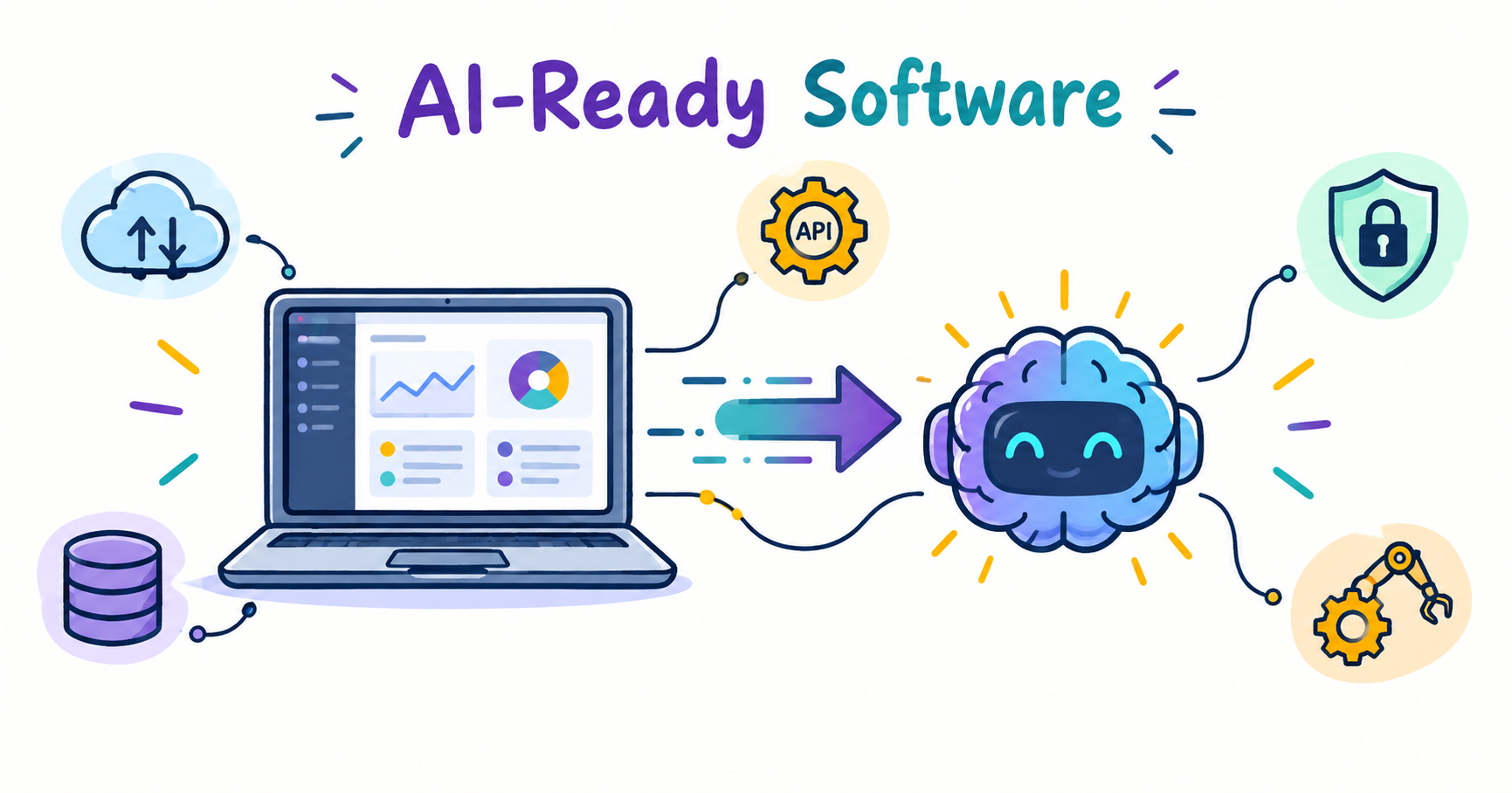
 Tech Blog
How to Build AI-Ready Software Without Rebuilding Your Existing Application
Businesses do not always need to rebuild their existing software to benefit from AI. This article explains how companies can gradually add AI capabilities to existing applications, covering architecture, APIs, data, security, testing, and practical implementation strategies.
Many businesses already use software to manage customers, orders, payments, documents, and daily operations. As AI becomes more useful, they may want to add features such as intelligent search, document processing, recommendations, or AI assistants.
But adding AI does not always mean rebuilding the entire application.
In many cases, businesses can improve their existing software by adding AI features where they provide real value.
Why You Don't Always Need a Complete Rebuild
Existing applications often contain important business logic, databases, integrations, and workflows. Replacing everything can take considerable time and introduce new risks.
A complete rebuild may involve:
- Data migration
- New security challenges
- Higher development costs
- Employee training
- New bugs and integration problems
- Longer development timelines
Instead, businesses can keep their existing application and introduce AI gradually.
For example, a customer-support system can continue managing support tickets while AI classifies incoming requests and directs them to the appropriate team.
What Makes Software AI-Ready?
AI-ready software doesn't mean every feature needs artificial intelligence.
It means the application has a structure that allows AI to be integrated without disrupting existing functionality.
Important foundations include:
- Reliable APIs
- Organized data
- Secure authentication
- Clear application architecture
- Access controls
- Logging and monitoring
- Scalable infrastructure
For example, instead of giving an AI system direct access to an entire database, developers can create an API that provides only the information required for a specific task.
Start With One Real Problem
Businesses should not add AI simply because it is popular.
A better approach is to identify a repetitive or time-consuming process.
Imagine a company receives hundreds of customer messages every week. Employees manually read each message and decide whether it belongs to sales, billing, or technical support.
An AI feature could classify these messages automatically.
The workflow could look like:
Customer request → Existing application → AI classification → Appropriate team
The existing software continues managing the workflow while AI handles one specific task.
This makes the project easier to test and measure.
How AI Can Be Added to Existing Software
There are several ways to introduce AI without replacing an entire application.
API Integration
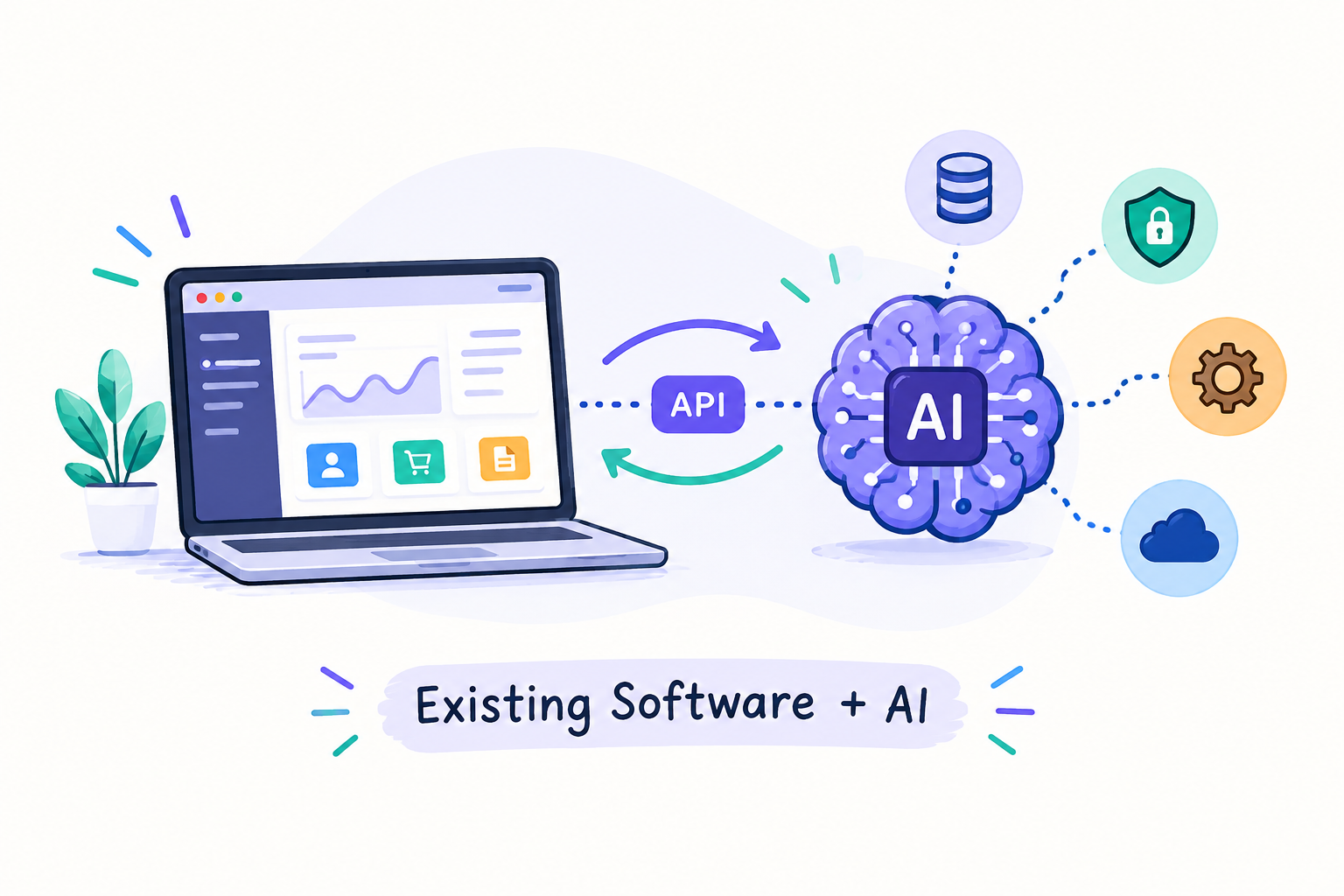
An existing application can communicate with an AI service through an API.
For example:
User → Existing Application → AI API → AI Response → User
This can be useful for chat assistants, text summarization, classification, recommendations, and document processing.
Separate AI Service
For larger applications, developers can create a separate AI service that manages prompts, AI models, data filtering, authentication, and response validation.
This keeps AI functionality separate from the main application and can make future changes easier.
AI in a Specific Workflow
AI can also be added to one part of an existing process.
For example:
Invoice uploaded → AI extracts information → Employee reviews → Existing system stores data
The original application remains responsible for storage and business rules.
Data Quality Matters
AI is only as useful as the information it receives.
Before adding AI, businesses should check:
- Where the required data is stored
- Whether the information is accurate
- Which data is outdated
- Which information is sensitive
- What data the AI actually needs
Cleaning and organizing existing data can sometimes have a greater impact than simply choosing a more advanced AI model.
Don't Ignore Security
AI integration can create new paths for business information to move between systems.
Developers should carefully control what information is sent to an AI service.
Important safeguards include:
- Secure API authentication
- Encryption
- Access controls
- Secure API key storage
- Data filtering
- Activity logging
Sensitive information should not be sent to an AI service unnecessarily.
Keep Humans Involved
AI-generated results are not always perfect.
For important tasks, businesses should allow employees to review AI outputs before an action is completed.
For example:
AI analyzes information → AI provides recommendation → Employee reviews → System completes action
This approach can reduce mistakes while still providing the benefits of automation.
Don't Add AI Everywhere
Not every software feature needs AI.
A simple calculation, for example, is usually better handled by traditional programming because the result is predictable.
AI is more useful for tasks involving:
- Natural language
- Document analysis
- Classification
- Recommendations
- Summarization
- Pattern recognition
- Content generation
The goal should be to use AI where it provides a measurable benefit.
A Practical Way to Add AI
Businesses can introduce AI gradually:
- Identify a specific problem.
- Check the available data.
- Build a small proof of concept.
- Test its accuracy.
- Add human review where necessary.
- Connect it to the existing application.
- Monitor performance after launch.
This approach reduces unnecessary changes and allows businesses to understand whether the AI feature is actually useful.
When Custom Software Development Helps
As AI requirements become more complex, the existing application may need architectural changes.
This is where custom software development can help.
A tailored solution can connect AI functionality with existing databases, APIs, dashboards, authentication systems, and business workflows.
For example, a SaaS application could keep its existing customer and account management features while adding AI-powered search or recommendations.
Instead of replacing the product, the business improves it step by step.
The Role of a Development Team
AI tools can help developers with coding, testing, and documentation, but successful implementation still requires software engineering knowledge.
A development team needs to consider:
- Architecture
- APIs
- Data privacy
- Security
- Testing
- Scalability
- Maintenance
An experienced software development company can help determine which parts of an existing application should remain unchanged and where AI can provide the most value.
Related Articles
View All Tech Blog
Future of AI: Base State 2026
AI in 2026 is a different beast from what it was just a year ago. Image generati...
 Tech Blog
Why Python Is the Most Used Language in the AI Industry
Python's rise to becoming the language of AI wasn't accidental luck it was the n...
 Tech Blog
Why Companies Fail to Get Accurate Results From AI :The AI I...
Most companies don't actually have an AI problem. They have a foundation problem...
0 Comments
Leave a Comment
No comments yet — be the first to share your thoughts!